

Barcodes, EAN and product codes: exact results first time
A 13-digit EAN, a shop code, “d3 2000” or “spf 50”: when customers know what they want, they should find it instantly.
Some customers aren’t searching; they know what they want. They have the box in their hand, a prescription, or a code from a previous order. For them, every second spent searching is an obstacle.
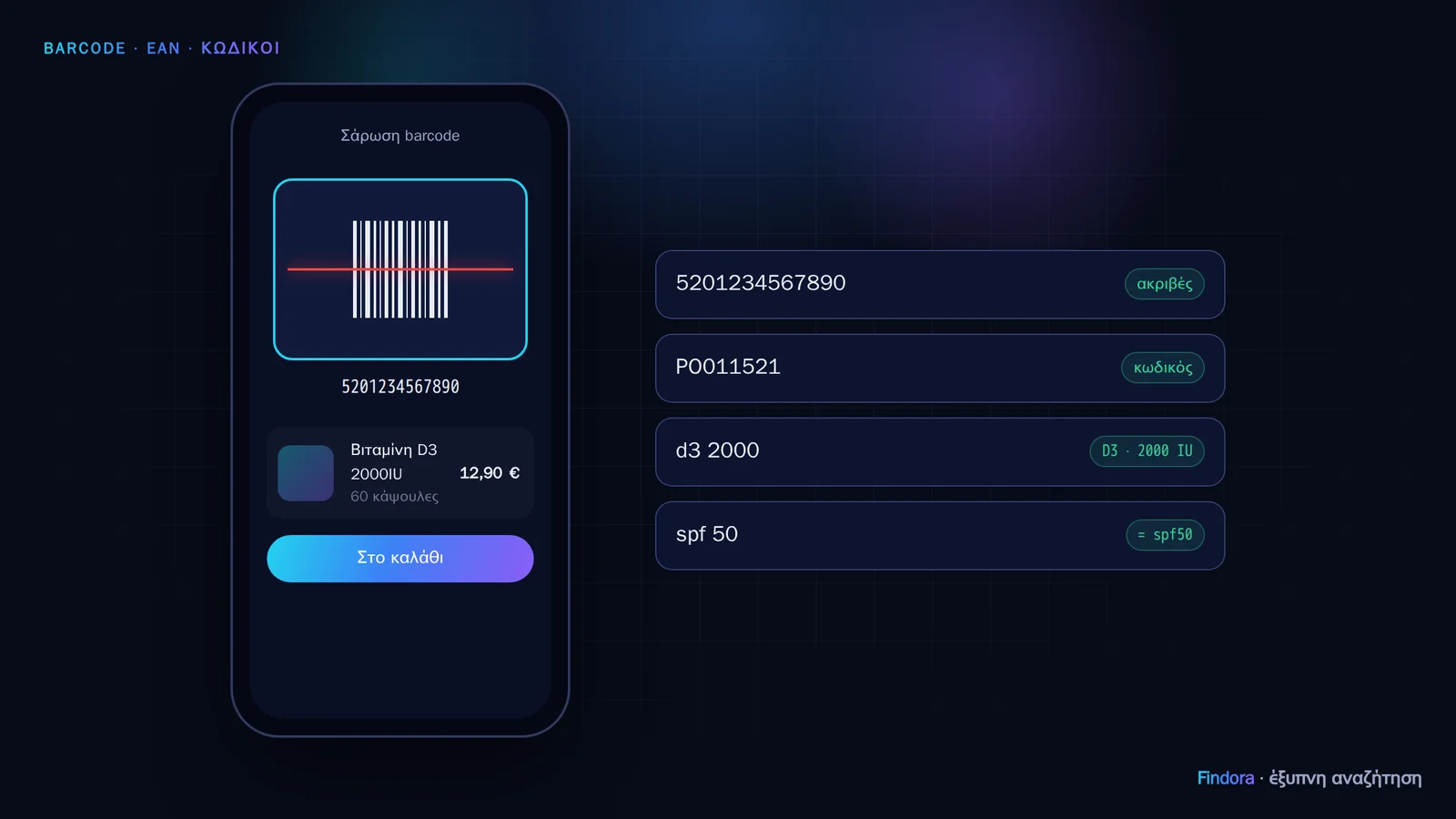 Barcode scanning with the camera and searching by product code.
What Findora recognises
- EAN / barcode (8–14 digits): goes straight to the product. Barcodes with or without leading zeros both match.
- Shop code (SKU): e.g. “PO011521” → that specific product.
- “Mixed” codes: “d3 2000” finds vitamin D3 2000 IU, and “spf 50” also matches “SPF50” without a space.
Scanning with the phone camera
On the Pro and Enterprise plans, a barcode button appears next to the search box. The customer points the camera at the box and sees the product, with an “Add to basket” button. It’s ideal for repeat purchases (vitamins, baby products, cosmetics) and for customers who shop “from the cupboard”.
Tip: check your barcodes
Findora checks the barcodes in your catalogue and reports in the portal, on the “Catalogue quality” card, any that are missing, have the wrong length or an incorrect check digit. In a real catalogue we checked, we found 30 barcodes with an incorrect check digit: products a customer would never have found by scanning.
Want to see how it would work with your own catalogue? Request a demo.