

PrestaShop: results on your theme's own page and a module that updates itself
Search results appear with your shop's header, footer and product cards, and the module picks up new versions automatically.
Every shop owner asks two things of an add-on: that it fits in with their site and that it doesn't take up their time. The Findora module for PrestaShop does both.
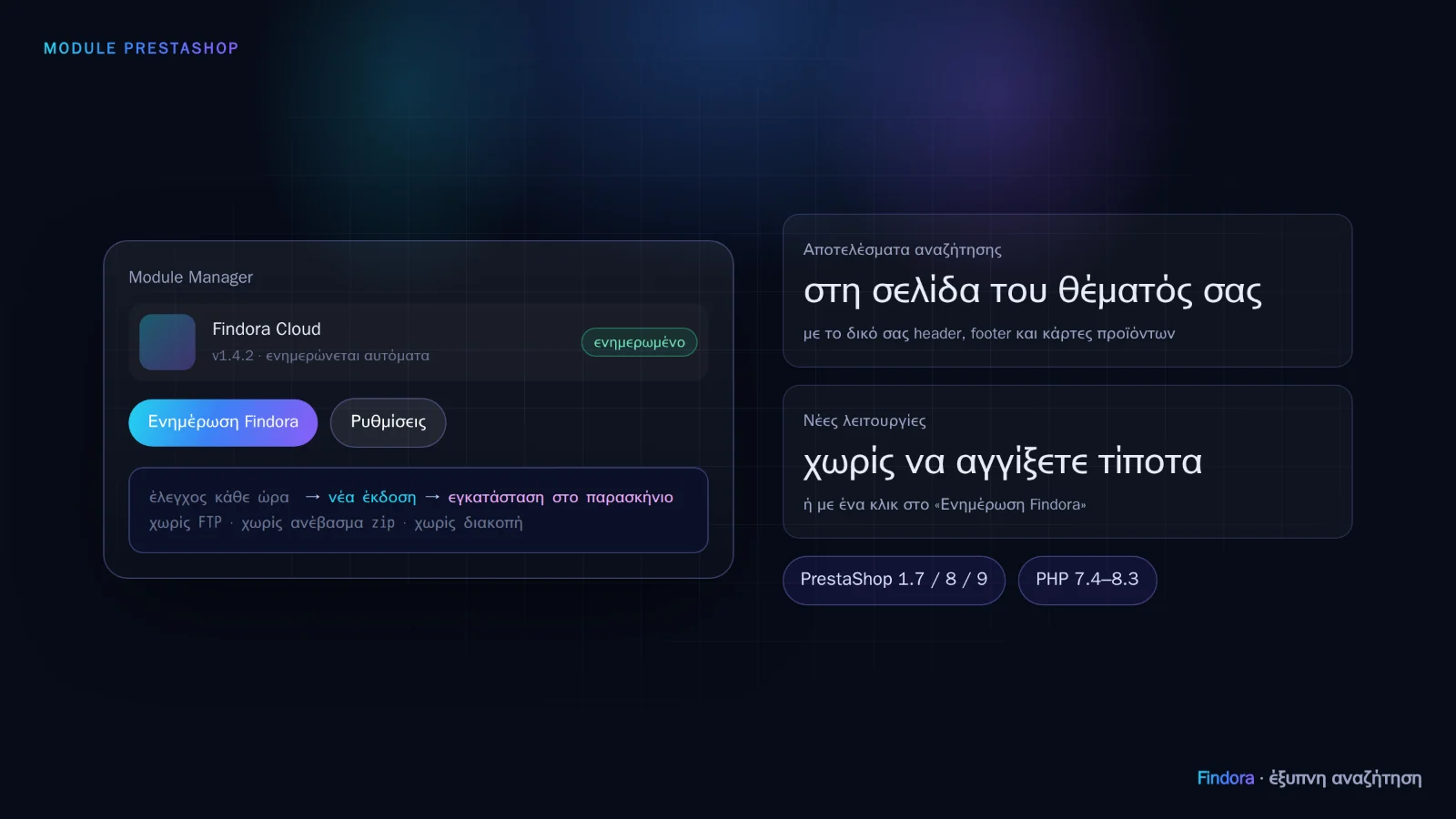 The module updates automatically and results appear on the theme's own page.
Results on your theme's own page
When the customer presses Enter, they see Findora's results on your theme's search page, with your own header, footer and the product cards you already have, not in a foreign window.
- The order of results is Findora's: Greek, greeklish (Greek written in Latin characters), natural language, our own ranking.
- The microphone, barcode and × button stay in the search field.
- If Findora doesn't respond in time, the page shows PrestaShop's results, as always.
Updates without FTP and without zip files
From version 1.4.2:
- The module checks every hour for a new version and installs it in the background, without slowing visitors down.
- If you prefer to stay in control, you turn off automatic updates and click “Update Findora” in the Module Manager whenever you like. When a new version is available, you also see a notification in the back office.
- Updating works correctly on servers with OPcache too, with no PHP restart.
Most new features, such as the AI shopping assistant, come from the service and don't even need a module update.
WooCommerce and OpenCart
The add-ons for WooCommerce and OpenCart (3.x and 4.x) are available and connect your shop in the same 3 steps. For now, their new versions are installed with the new file from the portal. Automatic updates are coming there too.
Want to see how it would work with your own catalogue? Request a demo or get started now.